
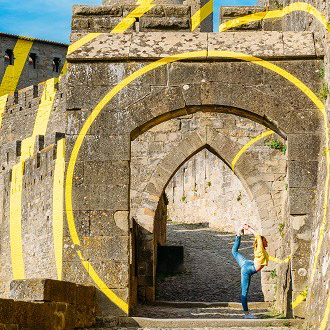
So I’m back home after an eventful 20-day adventure in Portugal, then onto Spain…France and now Italy.
From a personal point of view, amazing experience and memories to cherish. From a business point of view, some highly profitable stock subjects which aren’t well covered. More on this later.
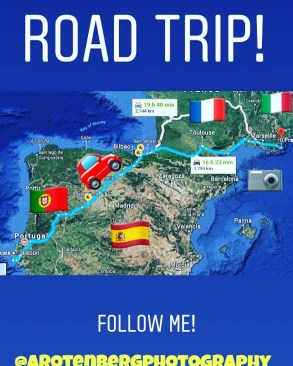
The total count is 1650 images and 75 videos (most of them being time-lapses). This appears to be a reasonable number for a 3-week holiday and I’m sure many of you reading would come back with similar numbers. Therefore, I hope this is a useful way of sharing my experience.
How the fuck do I get started? lol
Getting started by taking the first step is already significant.
I’ve heard from some fellow contributors who procrastinate post-processing their images, which just leads to the pile getting bigger and bigger. Perhaps so big that eventually you just forget about it.
That’s OK for images which are timeless (such as the many castles I captured), but for more time-sensitive images (such as World-Cup related), it can be a missed opportunity.
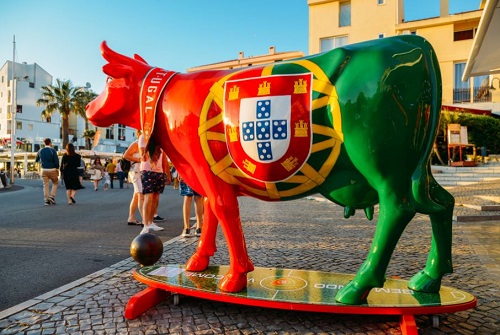
Time = Money
Truth be told, the longer I spend taking pics, post-processing them, keywording and uploading them, the lower will be my hourly rate. The goal is to be fast and efficient Some images deserve special attention, but most can processed quite quickly.
I’ve timed myself on a small sample of random images and I can post-process, keywording and submit about 20 images an hour. What’s the trick? Working in batches.
Working in Batches using Lightroom
Lightroom is an invaluable tool to speed through the workflow.
Supposing you’re outdoors, at one specific sunny place and shooting within an 1-hour period in the mid to late afternoon. It’s close to the summer solstice and the light is quite stable. This is a great situation since you can speed through your workflow.
That’s precisely the situation when I shot the following batch in Algarve (minus the family stuff which I obviously won’t submit). The following are 50 images which were shot within one hour.
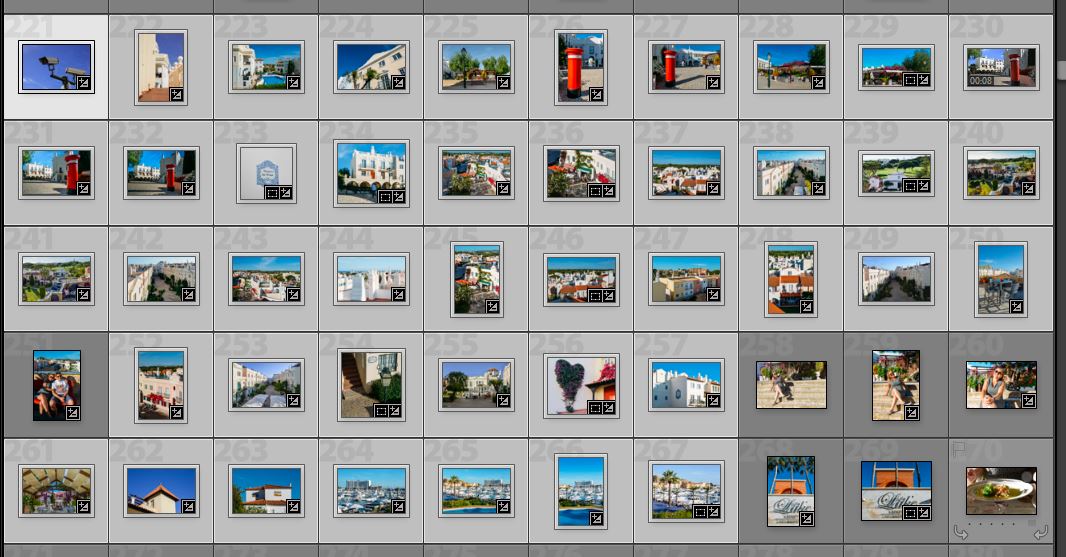
What are VSCOs?
Sounds exotic, doesn’t it?
VSCO preset is a group of film emulator tools implemented using filters for Adobe LR. VSCO presets for Lightroom are created exactly for Nikon, Sony cameras, Fuji and Canon bodies. In addition, they deal with RAW files, since this format gives you great flexibility to change the photo. If you’re feeling nostalgic about the old film days, then VSCOs may be interesting for you.
Which is the VSCO filter I used above? Agfa Vista — .I also really like Portra but all depends on the mood I’m going for.
Keywording in Batches
As above, since the images are of the same location, safe to assume that the keywords should be similar.
Applying the core keywords
These will be the same keywords that will apply to the whole batch, more to do with the location than anything. For example:
Location: Vilamoura, Vila Moura, Algarve, Quarteira, Portugal, South Portugal, Old Village, Aldeia Velha, Sunny, Outdoors, Portuguese, Travel, Expat, British expat, Resort, Pinheiro, Golf expat, Golf Algarve, Golf Portugal, Visit Portugal, Portugal tourism, Truman Show, Algarve Luxury, Posh, Upper Class, Residence, Village, Model Village,
I added the last one, Truman Show, as the place looks just like it! Perhaps a little bit of spam / irrelevancy but who knows maybe a buyer will look for a set that looks like it 😀 Also the golf-related keywords are important, in my opinion, even if there’s nothing golf-related in the image, since the village is situated in the middle of a golf course. Some people may think that’s spam and that’s fine…we’ll just have to agree to disagree.
Applying the image-specific keywords
These are more tricky and of course image-dependent, such as if there’ a swimming pool present and the type of architecture:
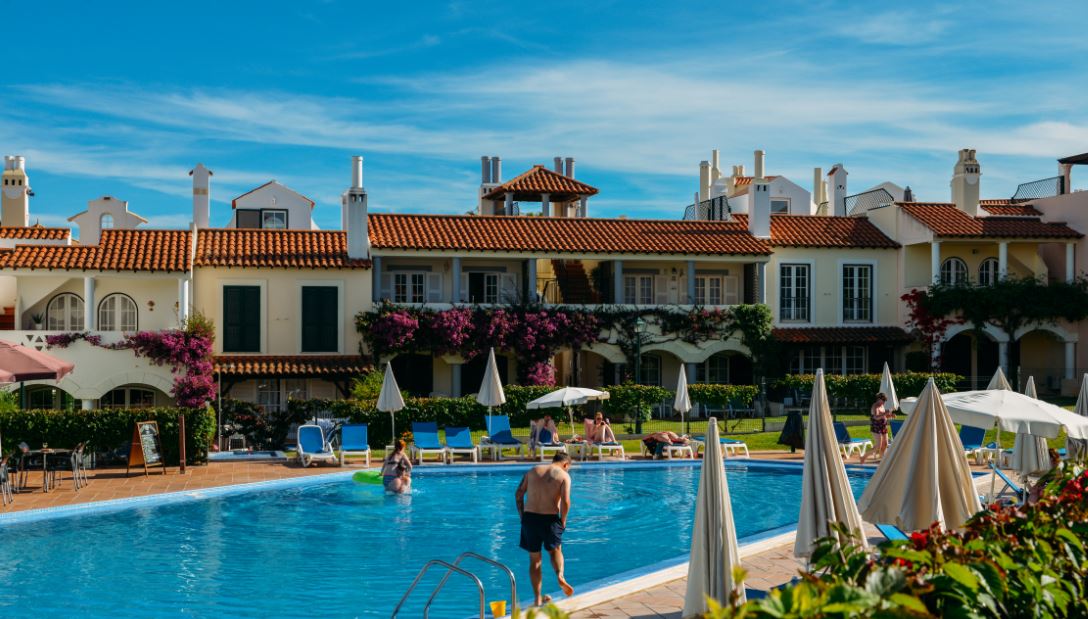
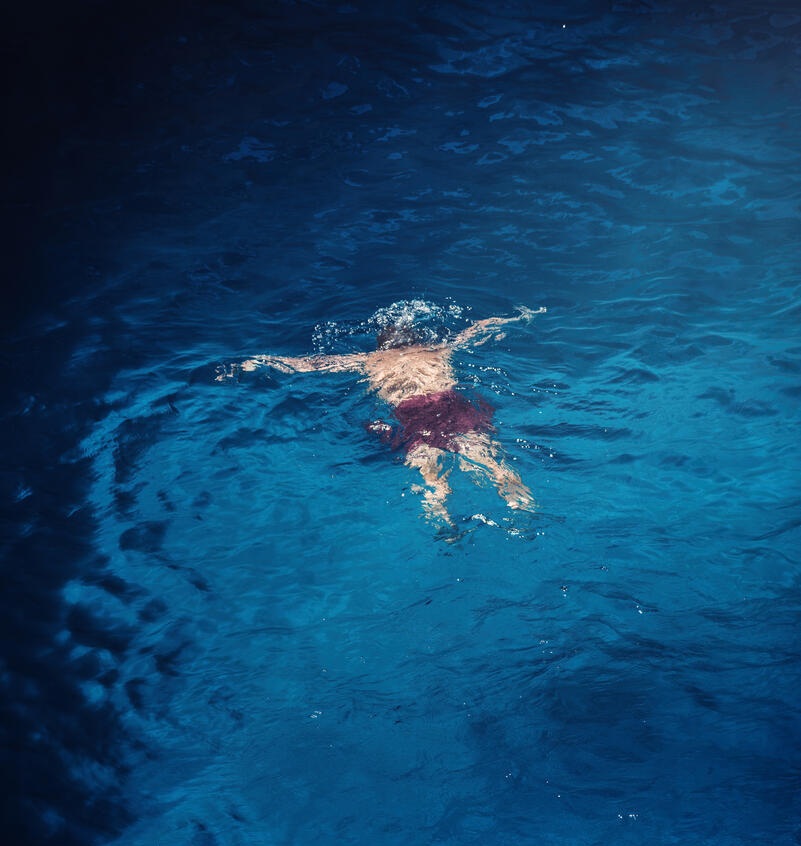
Specific keywords: swimming pool, built structure, blue sky, pool, poolside, pool side, refreshing, water, swim, relaxing, piscina, beach umbrella, luxury pool, pool portugal, pool algarve, portuguese architecture, shirtless, families, family, horizontal, lounger, bouganville, family holiday, sun bathing
That’s just about 50 keywords which is the maximum for most of the agencies. Yes, I could do a better job with keywords, but aiming for perfection is a flaw, in my opinion! Time is money!
Submitting in batches
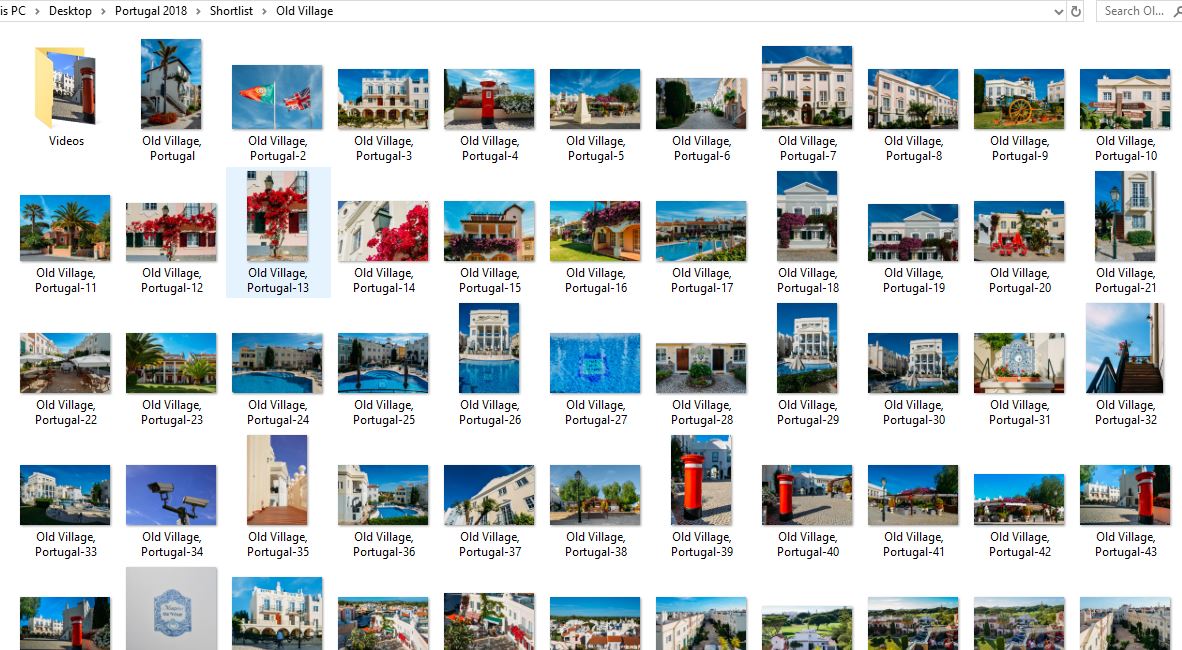
Using StockSubmitter, I’ll create a folder for this batch and export all the images from Lightroom into this folder. In this case, there were 73 images + 1 video. As you can see, I’ll name the file after the name of the folder to keep track.
Over onto StockSubmitter
Stocksubmitter is a God-send to keep track of where I’ve submitted. Worth every penny. One click and bang, it’s off to the agencies.
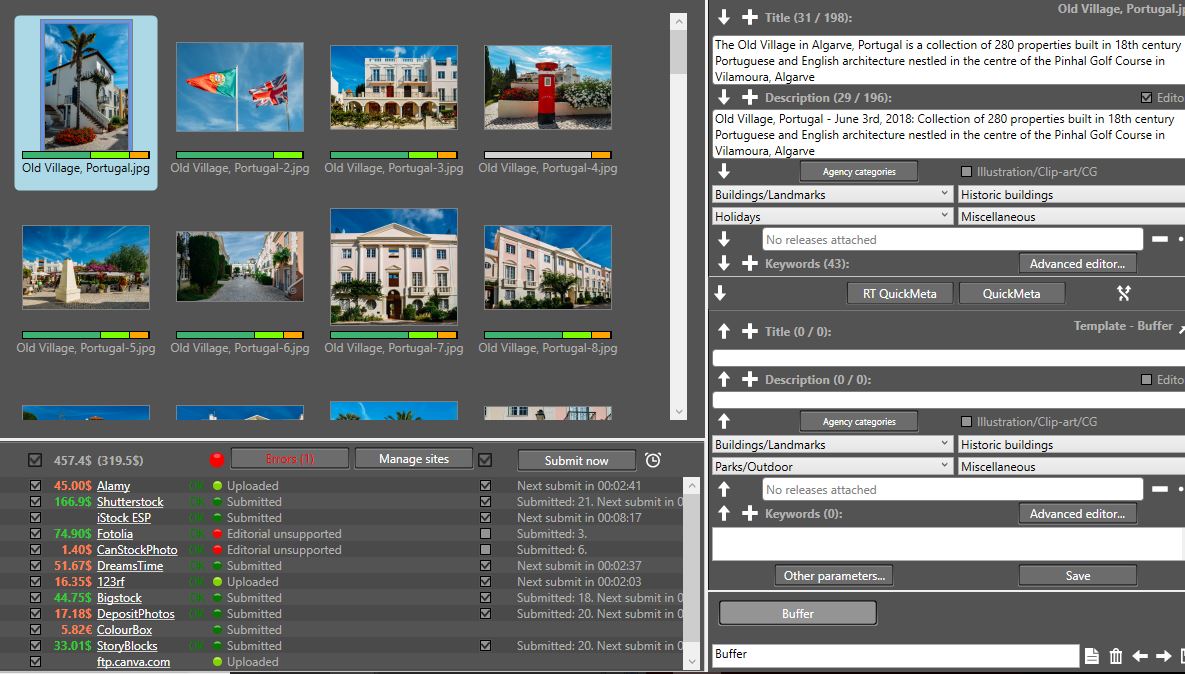
Almost goes without saying that since the videos were shot at similar places to the photos, I could use many of the keywords when uploading the videos. However, keep in mind that videos require some specific types of keywords, as I’ve discussed in this tutorial.
73 Images took me how long to process?
I was shooting for one hour….post-processing for 30 minutes, keywording for another 30 minutes. So in total two hours of work is acceptable. This batch was quick since the images were relatively simlar, but what really throws me off are really specific types of architecture and fauna/flora which takes me ages to research, such as the following:
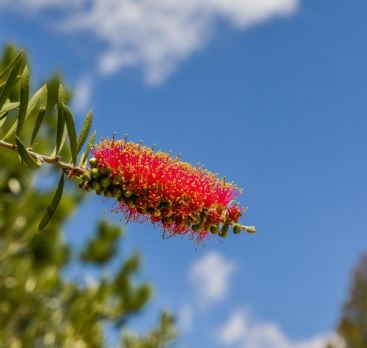
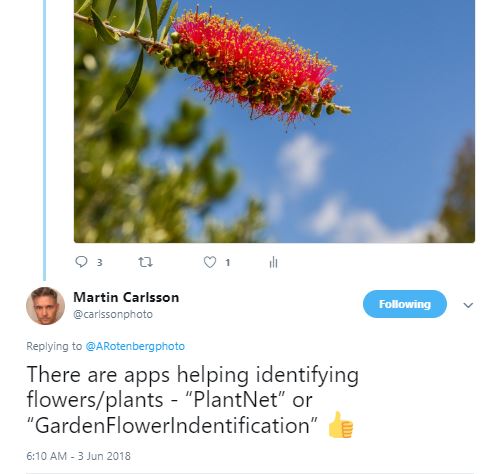
Now whether they will ever sell is another matter altogether but I think they’re sufficiently interesting/unique and well-captured!
Robert Harding will receive one of my whole batches
I’m really careful about which images go to which agencies and with what licenses to avoid any issues.
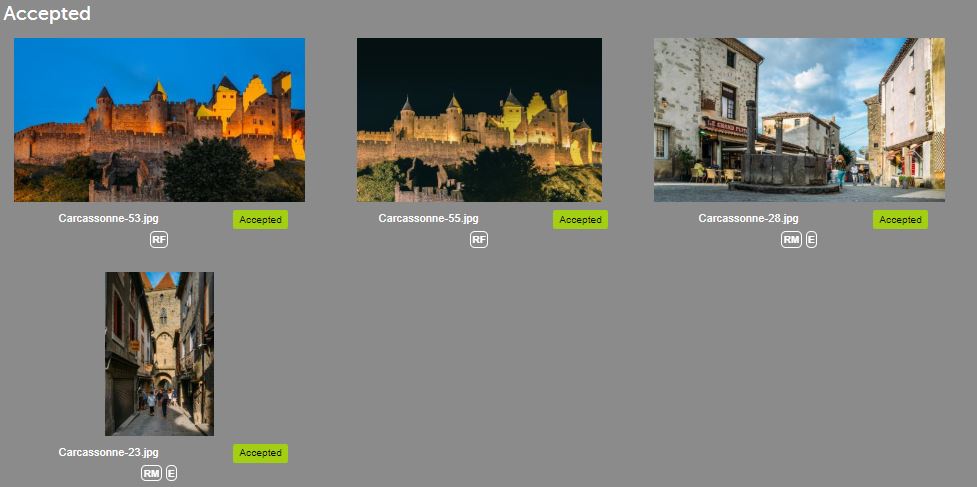
Therefore, to avoid duplication/errors, whenever I send a batch to either Arcangel Images for book covers or Robert Harding, I’ll create a separate folder. Lately, instead of selecting separate images, I’ll just send them a whole batch consisting of 47 images and let them decide which they prefer. This saves me both time and effort.
Should you also have this dilemma, I suggest to be extra extra careful about how you conduct your business to avoid issues.
Carcassonne goes to RH
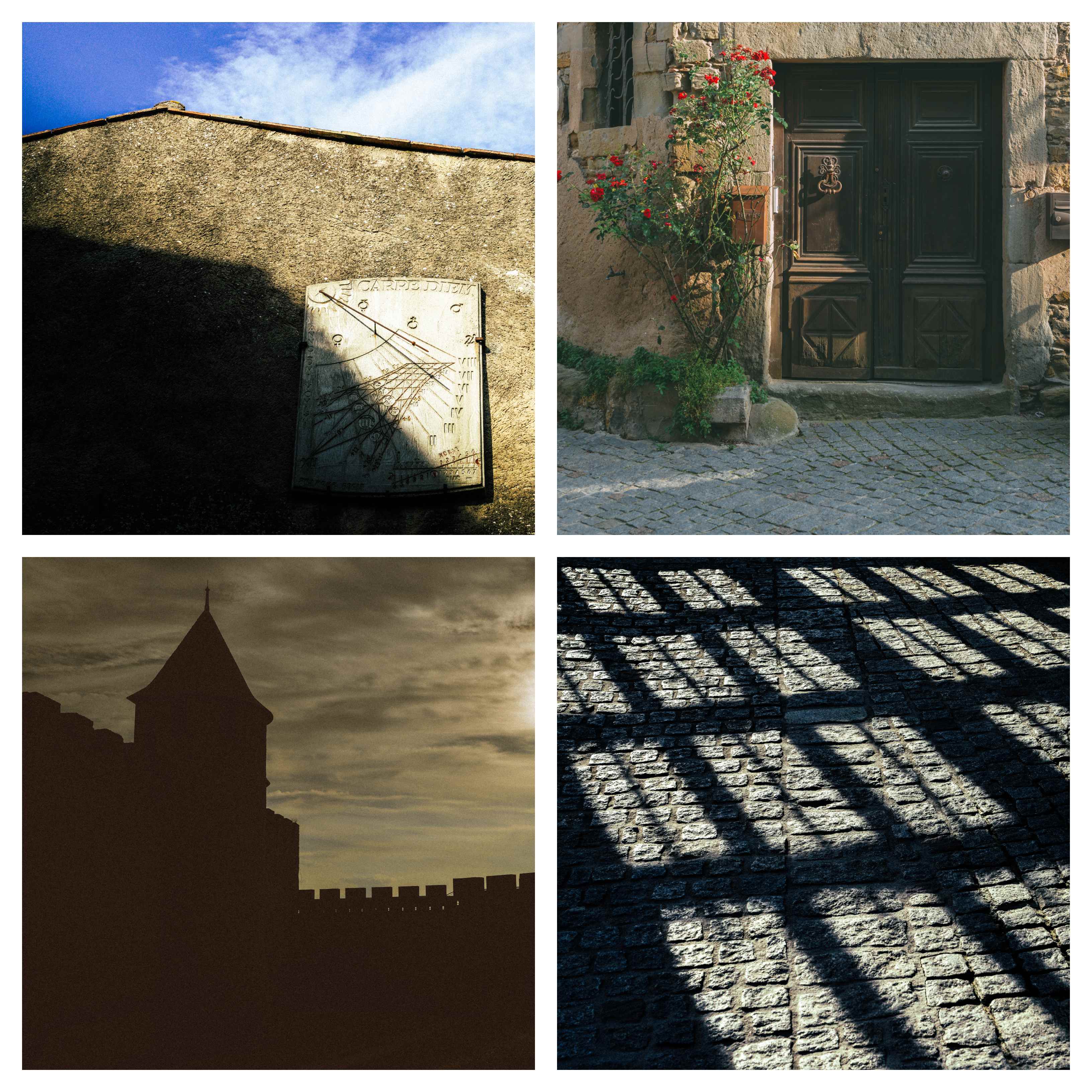
One of the stops I was looking forward to most was vising the UNESCO World Heritage Citadel town of Carcassonne in South-Western France. It didn’t disappoint.
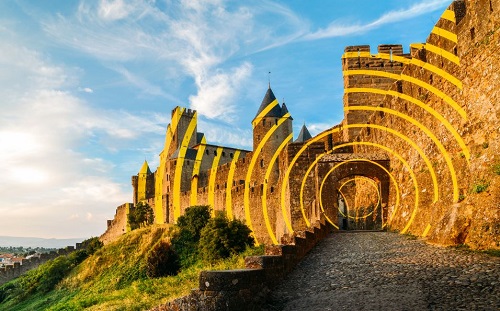
Oh they’ve just got back to me while I’m writing this post and rejected 43 out of the 47…go figure. The stripes are coming down in Sept so not the most timeless of images.
Book covers go to Arcangel
Small batch of 7 images go to Arcangel. Heavily processed and grain added for more personality. Here’s a small selection.
Work while on holiday
My last and perhaps one of the more important tips on optimising your workflow is to process while on holiday, if you can. I took my laptop with me and managed to catch up on some of backlog. Even if it’s only 30 minutes a day. Out of the 1600 images, I managed to submit about 300 while on holiday, not many but still helps!
Back to work and hope you enjoyed this tutorial
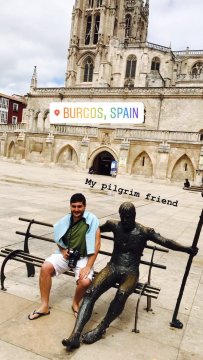
My pilgrim friend is waiting for his pics…
Before I go, I would like to show you one of my fav timelapses…captured in the Provencal hills near Grasse:
About Alex
I’m an eccentric guy on a quest to visit all corners of the world and capture stock images. I’m determined not to waste my life away as a corporate drone and have devoted five years to making it as a travel photographer and freelance writer. I hope to inspire others before it’s too late.
I’m proud to have written a book about my adventures which includes tips on making it as a stock travel photographer – Brutally Honest Guide to Microstock Photography
Check out my new photo review service, where I’ll help take your images to the next level and get them sold regularly!


 Alexandre Rotenberg's Brutally Honest Guide to Stock Photography & Footage
Leave a comment