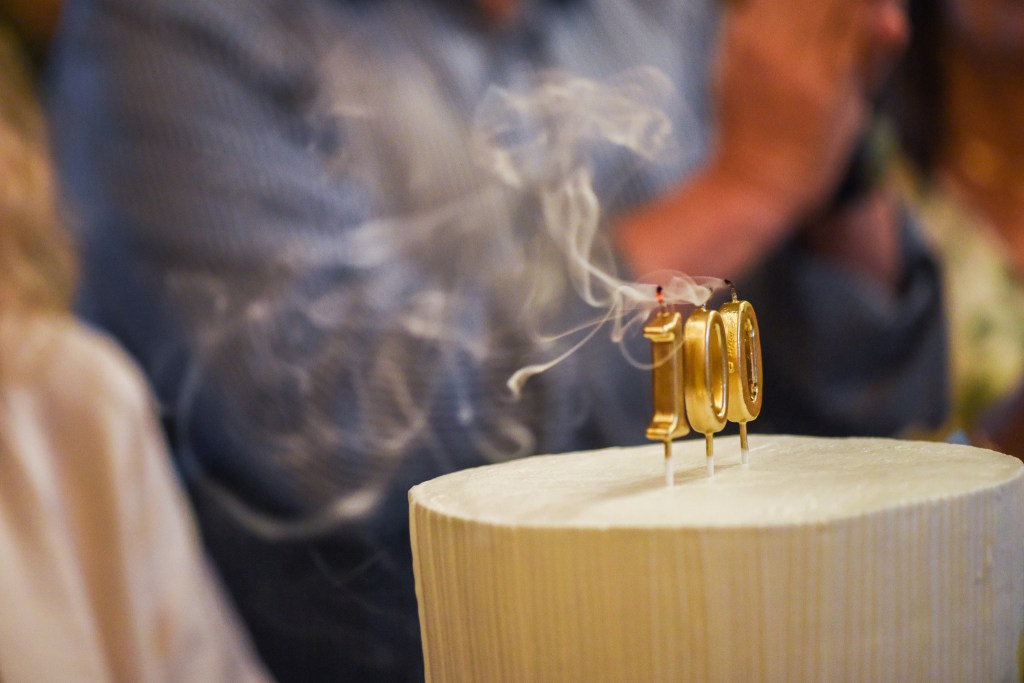
I recently travelled to Brazil to celebrate my grandfather, remarkable 100th birthday. With family and friends gathering for such a special occasion, I wanted to put together something a little different: a presentation that would bring a century of family history to life.
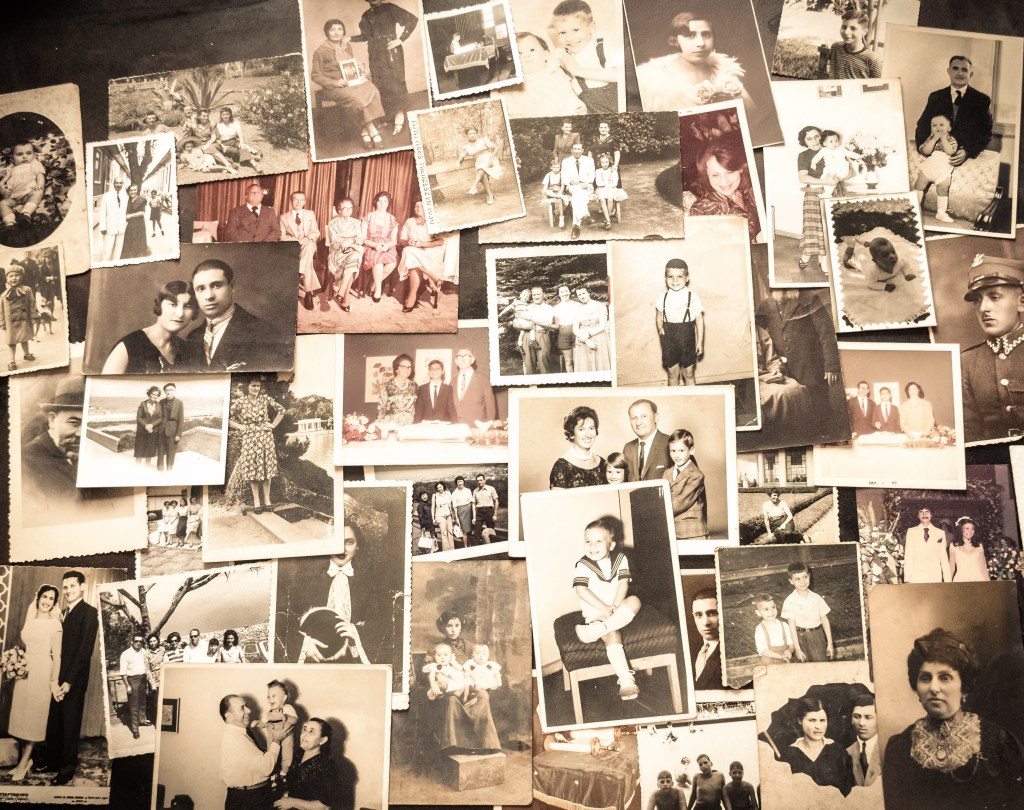
The idea was simple enough. Take old family photographs, many of them black and white and transform them into short animated clips. Suddenly, people who lived decades ago would blink, smile, turn their heads and seemingly come back to life. Still images are so 20th century!
I thought it was easy to create and tried myself but proved quite difficult.
Meet Dmitry Rukhlenko, the AI Prompt Wizard
I remembered who would be perfect to execute this task and sent Dmitry Rukhlenko 26 family photographs spanning several generations. His task was to transform them into short, realistic video sequences using Magnific AI.
The objective wasn’t to create elaborate cinematic scenes or turn my ancestors into Hollywood actors. My brief was to preserve the original photographs as faithfully as possible, introducing just enough movement to make the people feel alive. As you know AI can sometimes do some pretty wacky things.
I Interviewed him a while back, now he’s probably much closer to 1million in earnings!
Without further ado, here are the animated sequences:
Some Technical Details
Here’s a quick breakdown of the production:
- Photographs animated: 26
- Total AI generation time: 1 hour and 25 minutes
- Software: Magnific AI
- Subscription cost: €36/month (although a few prompts cost a little extra)
That works out to an average of approximately 3 minutes and 16 seconds of generation time per photograph.
Audience reaction
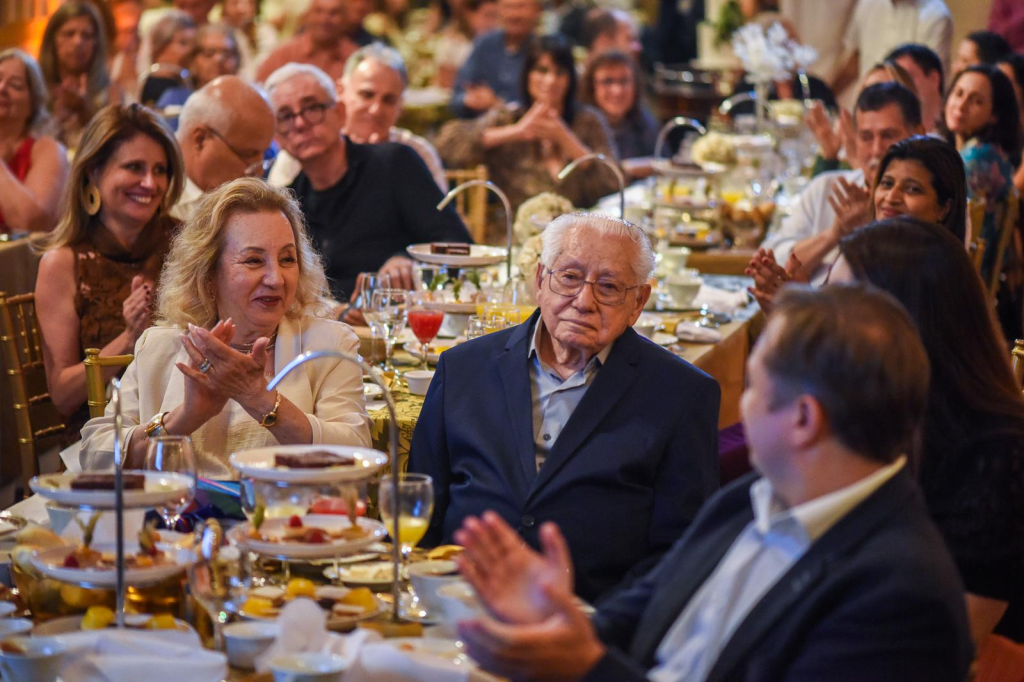
We presented the finished clips to a large audience during the birthday celebration, and they were a huge success. There’s something genuinely moving about watching relatives from decades past suddenly blink, smile and look around, particularly when some of those people are no longer with us.
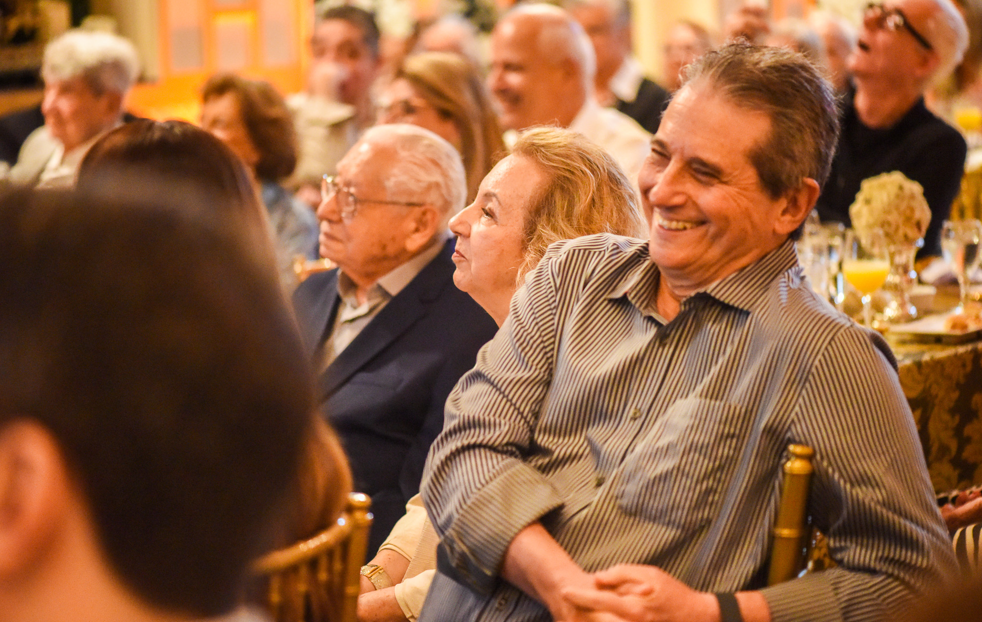
The complete presentation lasted approximately 15 minutes. The opening few minutes featured the AI-animated photographs, accompanied by a live violinist.
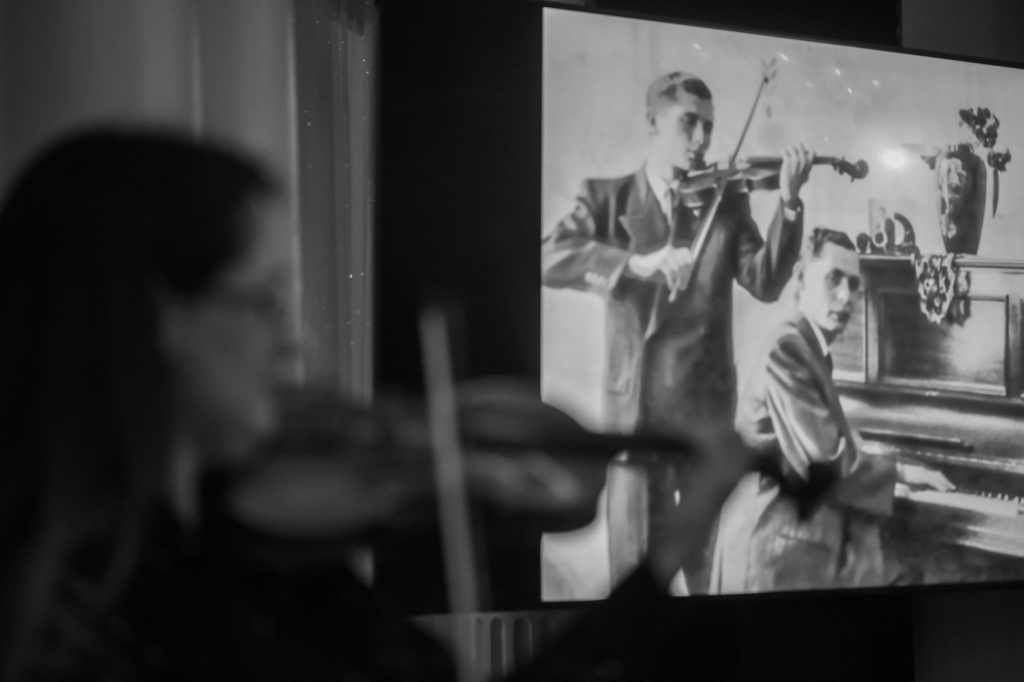
That musical choice was particularly meaningful. Izrael played the violin in his younger days, while his brother played the piano. Seeing those old memories come alive with live music in the background added an emotional dimension that no amount of technology could have achieved on its own.
Six Real Prompts: The Devil Is in the Details
One thing this project reinforced is that AI video generation isn’t simply about telling a photograph to move. If you tried that the result would be absolutely terrible.
Without careful instructions, AI can get creative in all the wrong ways. Faces change, people start performing unnatural movements, objects mysteriously disappear and historical photographs suddenly acquire details that were never there. Not a great look for dead relatives!
Dmitry’s approach, as you’ll read on, was to specify precisely what should move and, equally importantly, what should remain untouched. Then render and adjust the prompts, sometimes up to 4 or 5 times.
Here are six actual prompts used in the project below the original image, reproduced in their original wording and the final result. My favourite is the sixth one, which one is your favourite?
1. A Boy and His Cat (That’s Me!)
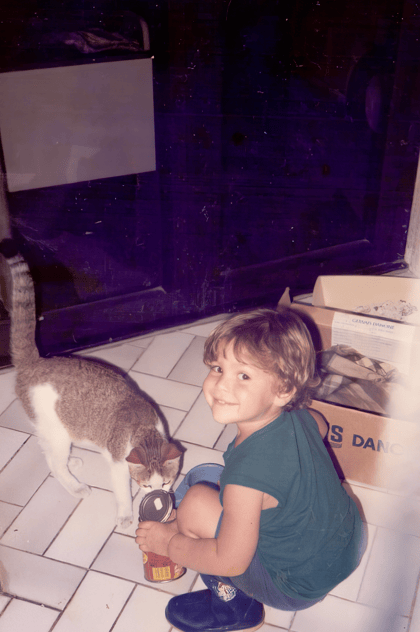
Animate this exact family photograph with only very subtle, natural motion. The boy remains crouched in the same position and keeps his existing gentle smile; he makes one soft, natural blink. The gray-and-white cat continues sniffing the can and makes a tiny head movement and one slight ear twitch. Keep the camera completely still and the dark background static. Preserve the boy’s identity, facial features, green shirt, hands, the can, the cat’s markings, the tiled floor, boxes, lighting, and original framing. No speech, new people or objects, age changes, exaggerated expressions, camera movement, or altered clothing.
2. My Parent’s Wedding Day
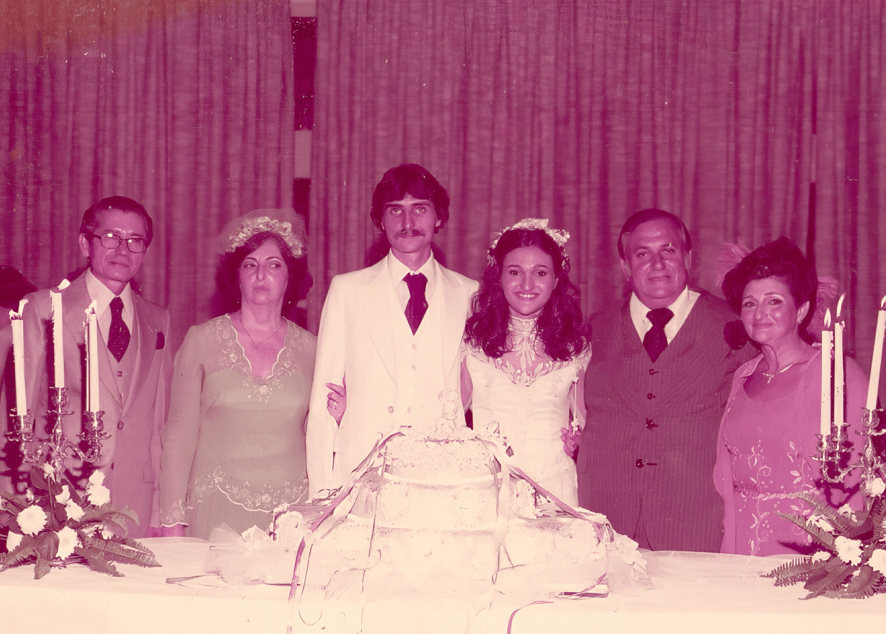
Animate this exact wedding photograph with very subtle, natural motion. The happy bride and groom keep their warm smiles as they gently shift their gaze toward the people on one side, then glance toward the other side, with only tiny head movements. Keep their posture unchanged. The four relatives, cake, flowers, candles, and curtains stay almost still. Preserve every person’s identity and facial features, hairstyles, wedding clothes, hands, original pink-purple tones, lighting, and framing. Static camera. No new people or objects, face changes, color correction, or exaggerated motion. No audio.
3. Great-Grandparents
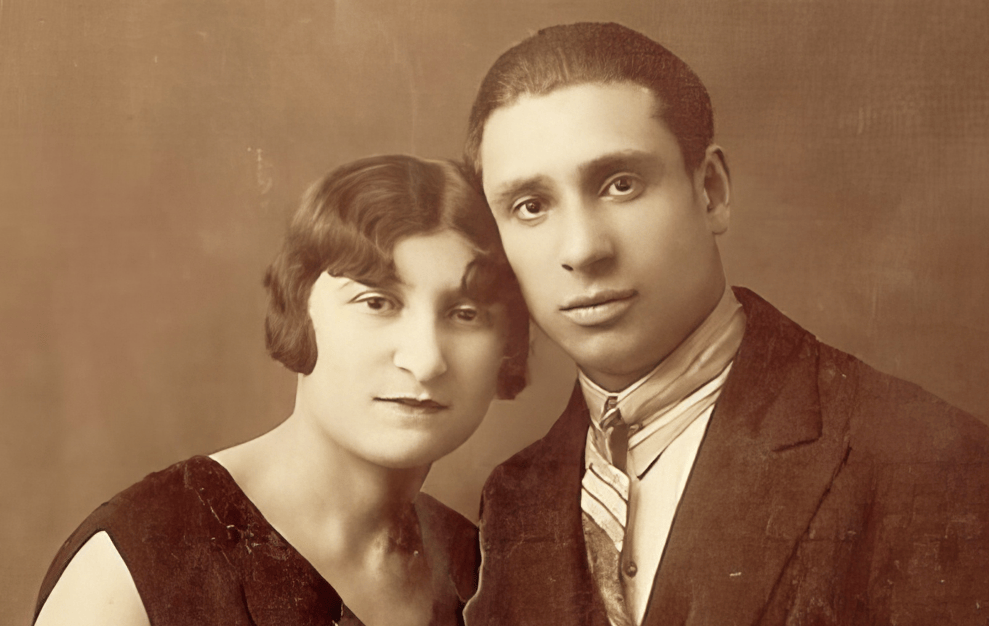
Animate this exact vintage studio portrait with only very subtle, natural motion. The couple remain close together in their original pose. They make soft natural blinks, tiny head adjustments, and brief gentle smiles. Their eyes shift slightly toward each other for a moment, then return toward the camera. Preserve both people’s exact identities and facial features, ages, hairstyles, clothing, the man’s suit and striped tie, the woman’s dress, the original warm sepia tones, plain studio background, lighting, and framing. Static camera. No talking, kissing, large head turns, body movement, new people or objects, colorization, color correction, face changes, clothing changes, or exaggerated motion. No audio.
4. My Brother on a Horse (is it going to turn into a bird and fly away?)
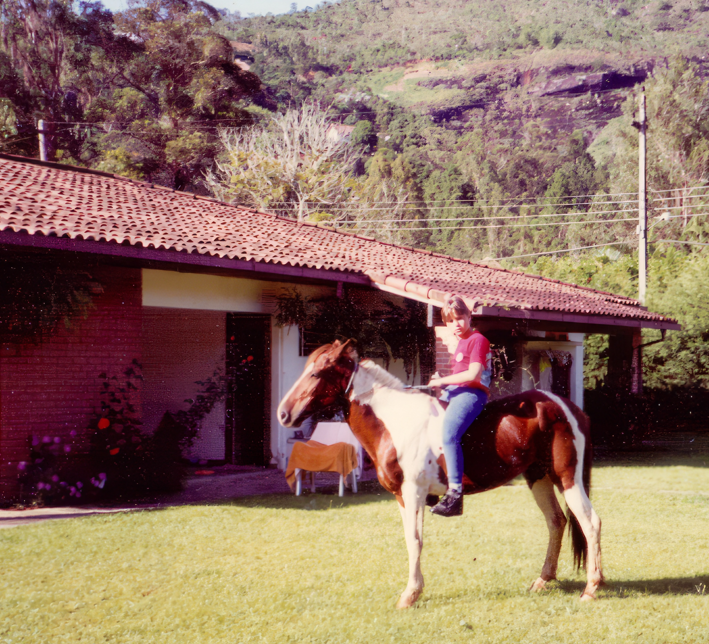
Animate the boy and the horse simultaneously throughout the entire 5-second clip. From the first frame to the final frame, both main subjects are visibly alive and moving at the same time. The horse makes gentle breathing movements, one soft blink, a tiny natural head adjustment, and a subtle ear twitch while standing in exactly the same place. The boy makes soft blinks, tiny natural head micro-movements, and a brief gentle smile while remaining securely seated and keeping both hands and the reins in their original positions. Their movements overlap in time; neither subject remains frozen or waits for the other to stop. Preserve the boy’s exact identity and facial features, age, hairstyle, red shirt, blue trousers, boots, hands, seated posture, the horse’s exact markings, mane, bridle and reins, the house, tiled roof, garden, hills, power lines, original pink-magenta and green color cast, lighting, and square framing. Static camera. No walking, leg movement, hand or rein movement, large head turns, talking, new people or animals, colorization, color correction, face changes, body distortion, background movement, or exaggerated motion. No audio. horse should not walk, just small natural body movements for both
5. Grandparents laughing and lifting a baby boy
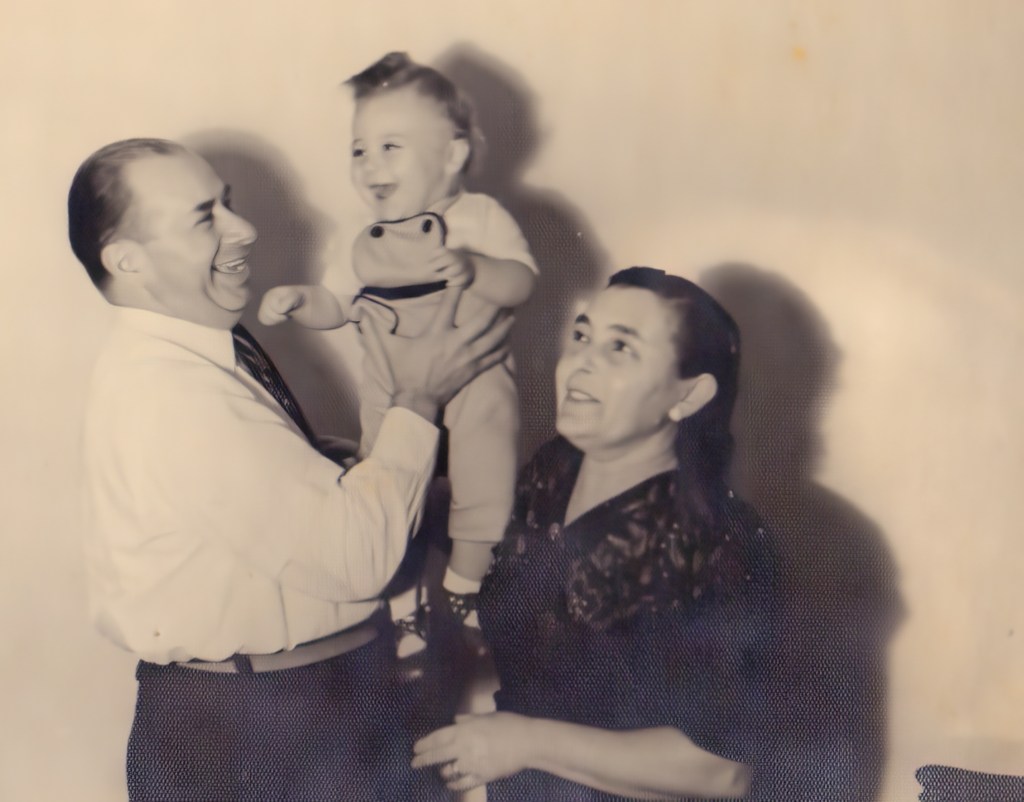
Animate this exact family photograph with gentle, natural motion. The adult on the left securely lifts the child a little higher and lowers them once; the child laughs, and both adults smile and laugh softly. Keep the movement small and realistic. Preserve all three people’s identities, facial features, ages, hairstyles, clothing, hands, and the child’s body shape. Keep the original monochrome tones, lighting, plain background, and framing. Static camera. No new people or objects, no colorization, and no exaggerated expressions or movement.
6. Grandfather’s wedding photo
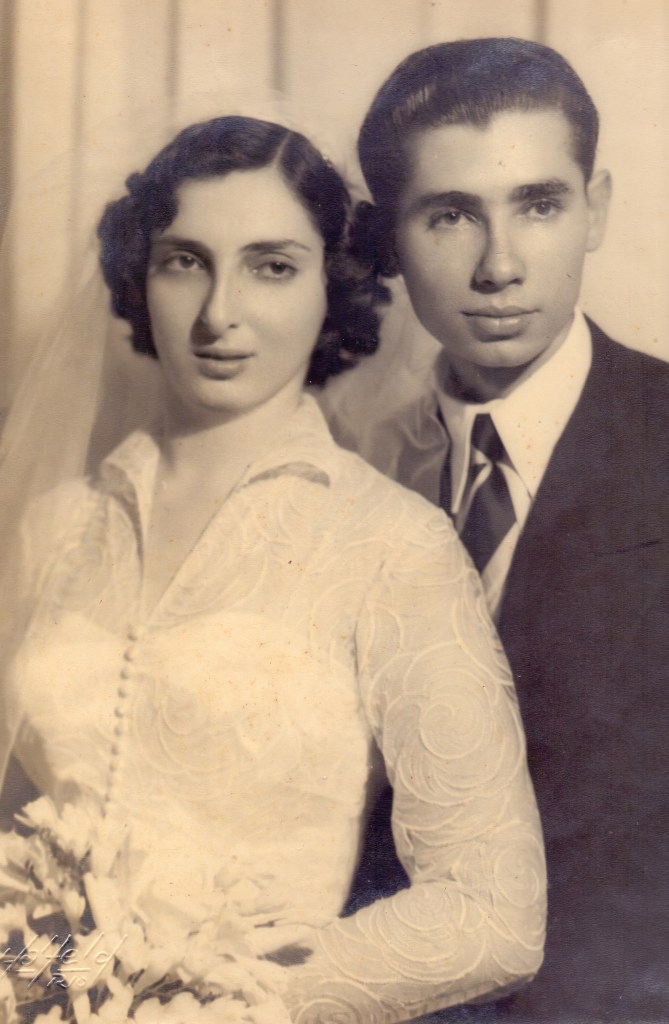
The bride and groom gently turn toward each other and share a brief, affectionate kiss early in the clip. Keep their movement small and natural. Preserve both people’s exact facial features and identities, hairstyles, wedding clothes, hands, bouquet, original warm monochrome tones, lighting, and portrait framing. Static camera. No new people or objects, facial distortion, color changes, or audio.
Three Practical Tips from Dmitry
After completing the project, I asked Dmitry what advice he would give anyone considering a similar experiment.
1. Prepare your original photographs properly.
The quality of the source image makes a significant difference to the finished animation. Ideally, old photographs should be restored, cleaned up and enhanced before being fed into the video model.
This is one area where we could have done better. We didn’t properly restore all the original photographs beforehand, and it’s something I would approach differently next time.
2. Don’t automatically choose the cheapest AI model.
According to Dmitry, higher-end AI models generally produce noticeably better results, particularly when it comes to maintaining facial consistency and natural movement.
For a project involving irreplaceable family memories, spending a little more on generation can make sense. It may also save time otherwise spent trying to correct unsuccessful results.
3. Use AI to help you write better AI prompts.
Somewhat ironically, one of the best ways to improve AI-generated video is to use another AI tool to help write the instructions.
ChatGPT and Claude can be particularly useful for structuring detailed prompts, specifying movements and identifying potential problems before generation.
Of course, the human still needs to decide what looks right. AI isn’t always the best judge of its own output.
Is This the Future of Family Photography?
I’ve spent years discussing AI’s impact on photography and the stock photography industry, often with a healthy dose of scepticism.
But this project reminded me that AI isn’t only about generating endless streams of synthetic stock images or flooding marketplaces with content nobody asked for. Sometimes it can do something genuinely meaningful at a low cost.
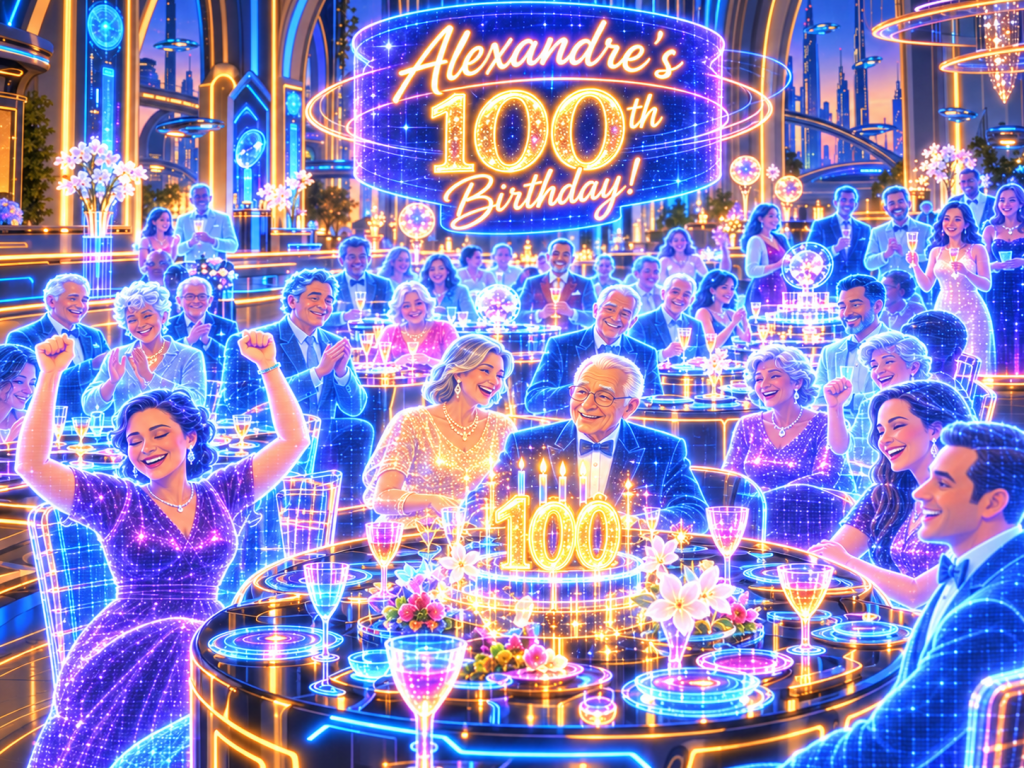
Fast-Forward to the Year 2083…
Naturally, the whole experience got me thinking about my own 100th birthday, assuming I make it that far. Given the current state of the world, that might be a slightly optimistic forecast!
Perhaps by then we’ll have full-sized holographic guests, AI-generated conversations with long-gone relatives and entire family histories reconstructed in virtual reality. Who knows? Maybe nobody will even need to travel to the party.
At least much of my family could still be there, if not in person, then in spirit, pixels and holograms. Is it the same…not sure but would make for a great Black Mirror episode – do get in touch with me for a script!
Thanks Dmitry!
Thanks for reading while I shared these intimate moments and also thanks to Dmitry for making it even more special.
Interested in Working with Dmitry?
Dmitry Rukhlenko offers AI consulting and creative services for small businesses and individuals, helping them find practical ways to use artificial intelligence.
His services include:
- AI workflow consulting: Identifying opportunities to improve business processes and productivity.
- AI tool selection and setup: Choosing tools suited to specific business needs and budgets.
- Task automation: Streamlining repetitive administrative and content-related work.
- AI assistants and knowledge management: Developing assistants and organising information for easier access.
- AI image generation: Creating visuals for websites, marketing materials and social media.
- AI video generation: Producing promotional clips, animations and visual storytelling projects, including bringing old photographs to life.
- AI training and support: Helping individuals and teams use AI tools effectively.
Thanks for reading. I’m now back in Portugal for a few days and heading across the Atlantic to Florida on a big ship in early-November. Next time you’ll hear from me will be my October Earnings and News report.
About Alex
I’m Alex, eccentric, based in Lisbon, and on a mission to explore every corner of the globe while capturing stock images and footage along the way.
For the past 12 years, I’ve been grinding as a travel photographer/videographer and freelance writer. Along the way I’ve also written The Brutally Honest Guide to Microstock Photography, a book packed with war stories and practical tips for anyone crazy enough to enter this business and more recently, The Brutally Honest Guide to Drone Laws in Europe.


Leave a Reply