

Keywording sucks – I hate it. But it’s so important as search engines are essentially ‘blind’, which means that even if you have a fantastic image, if you don’t keyword it properly it will get lost among the millions. Keep in mind that buyers rarely look beyond the first page. My top 5 most licensed images rank highly for competitive keywords.
So, I’ve been going back to my collection at Alamy which consists of 2,600 images and ensuring they’re keyworded to an excellent standard to improve their discoverability.
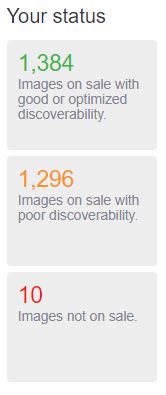
It’s a tough task and I’ve been at it for three days. Fortunately, I’m getting some help from an awesome piece of free software called Keyword.io, a stock photo keyword tool.
How does the Keyword.io tool work
Let’s suppose I have an image of Milan’s Duomo cathedral at sunset that I’m looking to keyword efficiently.

- Insert some general keywords. I chose “Milan, Italy, Duomo, sunset”. See screenshot below:
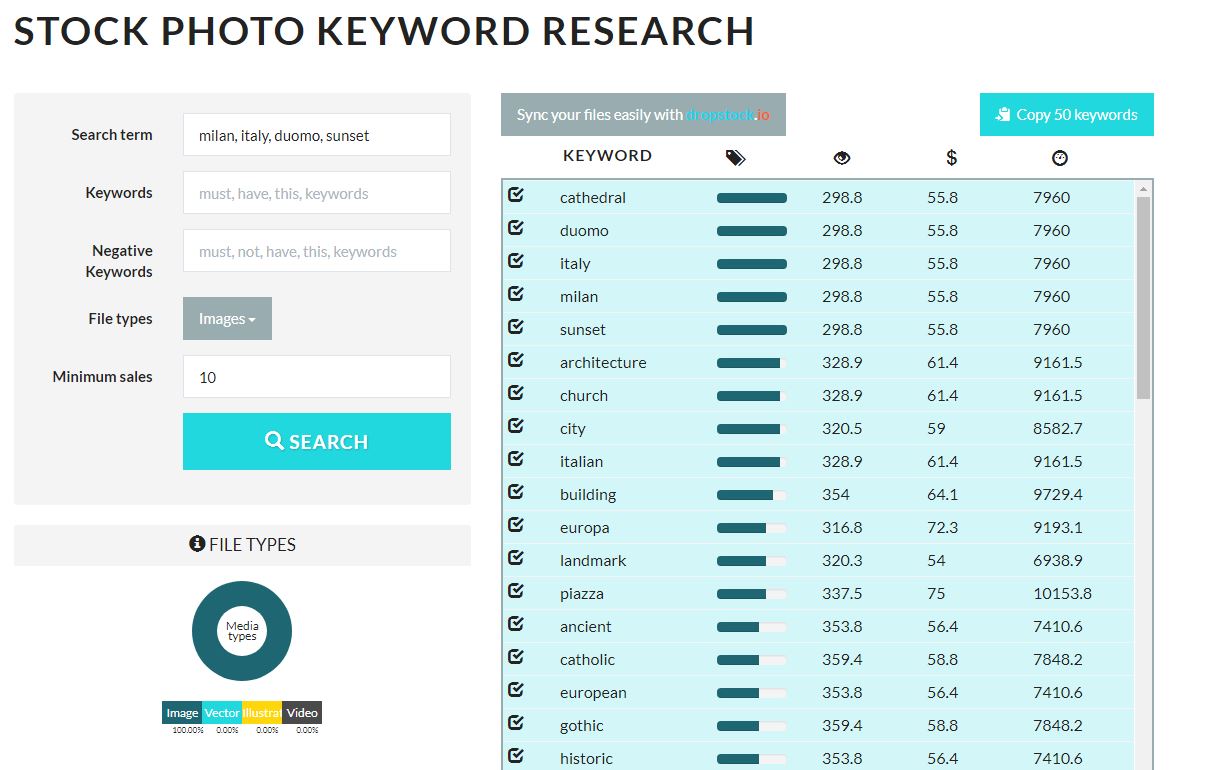
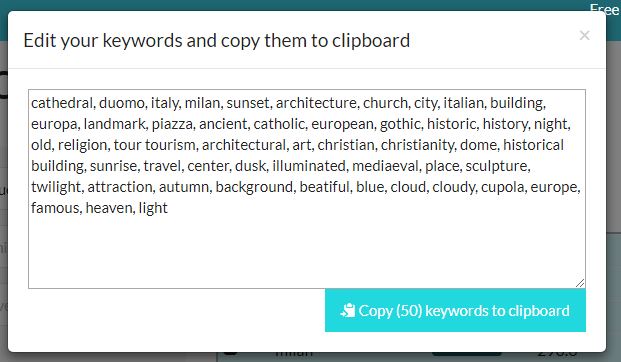
2. Copy 50 keywords to clipboard
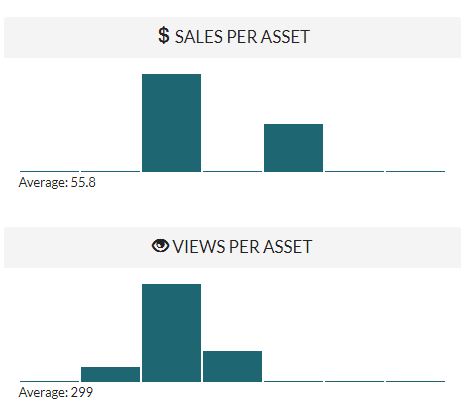
The software gives the average of sales per asset and views per asset for the set of keywords. This is handy to see if it’s worthwhile pursuing these types of images.
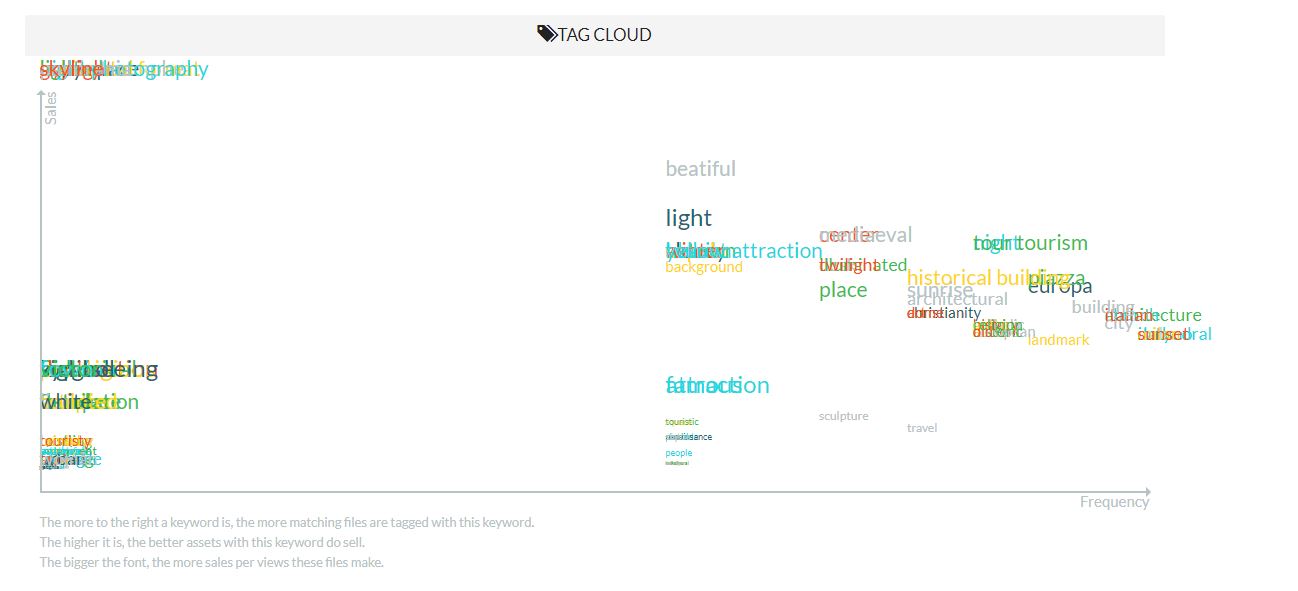
4. Check tag cloud for the best and most accurate keywords. Some agencies rank keywords higher which are in the first 10. In Alamy, for example, you’re able to choose’ supertags’.
Straight from the horses’ mouth:
About this stock photo keyword tool
We built this tool to help micro stock contributors to find better keywords for their images, vector files and videos.
To do this, we have analyzed statistics and keywords of 30+ million images, vector files and videos and allow you to extract useful insights out of this database.You can filter by file type, search for keywords and phrases and filter by sales.
For the resulting files, we show you how well these sell on average, giving you a first idea about the market.
But we don’t stop there.We extract the most common keywords from those images, vectors and videos and gather statistics for each subset!
Want to find the most common office stock motives? Search for office and go through the keywords. They are sorted by freqency, so you’ll find the most generic stock images on top and the lower you go, the “nichier” it becomes.
You’ll also quickly find out, that the keyword “pc” sells way less than “computer” or “laptop”, something you might want to keep in mind when choosing your keywords!Speaking of chosing keywords, you can easily select and unselect keywords by clicking on them. Once you have your collection made up, click the blue copy – button on top. You’ll see the chosen keywords ready for a last quick editing and with a second click you have them in your clipboard, ready to be inserted into your image’s metadata keyword field in the correct format.
Even the keyword order is already optimized, going from generic terms to more specific ones, based on the frequency of those keywords in the context of your search!
Check it out and let me know how you get on.
Until next time!
Alex






 Alexandre Rotenberg's Brutally Honest Guide to Stock Photography & Footage
Leave a reply to brutallyhonestmicrostock Cancel reply