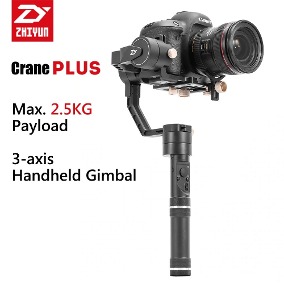
I’ve recently invested on a Zhiyun Crane Plus 3-Axis Gimbal Stabilizer to finally add some much-needed stable motion to my clips. With some practice and help from YouTube tutorials, these should help to improve the value of the clips within my portfolio.
This is just a short update on my first impressions and what I hope to achieve in the coming weeks/months.
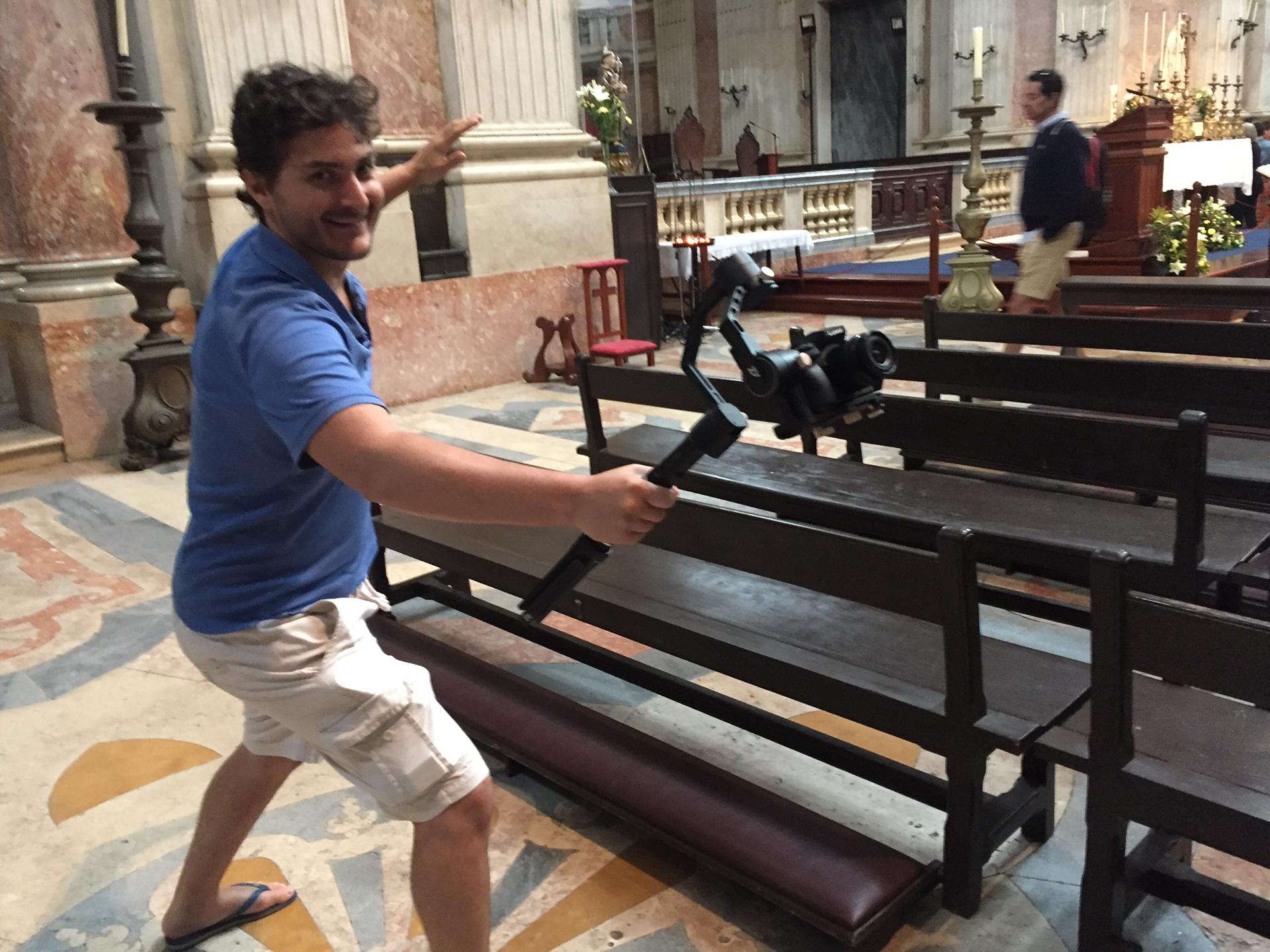
With and without a gimbal
As you can see in these similar clips of me failing miserably to add stabilization while walking around and then just about managing with a gimbal, the difference is night and day.
The version on the right is completely unusable and no agencies in their right mind would accept them into their commercial collection (but who knows for sure these days…)
The version on the left is much better, although I can and will certainly improve my technique.
Trying out some new techniques – side-tracking
This gimbal comes with different modes which I’m experimenting.
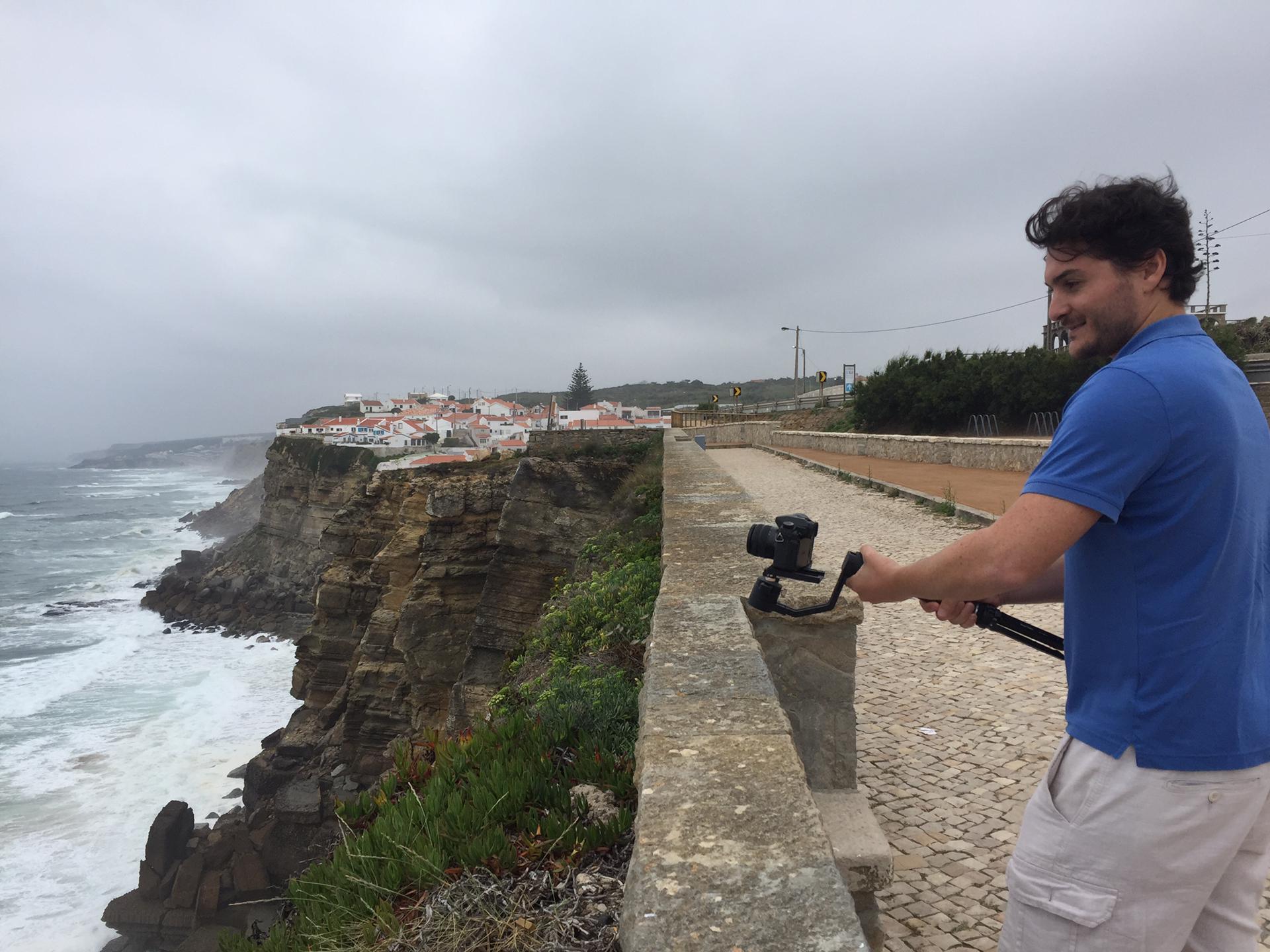
Walking around like a ninja for added stability, managed this clip which I’ve put up for sale:
Going for the cinematic Point of view
Tilt-up

What I’m looking forward to doing next – timelapse
By now you know that I’m a big fan of timelapses. Next, I would like to try a moving timelapse (configuring on the smartphone app), such as the following examples in this tutorial:
Also would like to try out some hyperlapses with low perspectives. Perhaps encouraging, my first trial was accepted at Pond5.
Much to learn and improve
This is just a short update and the best is obviously yet to come, fortunately lots of material out there to help me out, such as the following official tutorial by Zhiyun themselves:
Do you use a gimbal and how has been your experience?
Meanwhile, please comment below if you have a gimbal and have had success with sales on your gimbal-enhanced clips – until next time!



 Alexandre Rotenberg's Brutally Honest Guide to Stock Photography & Footage
Leave a reply to David Cancel reply